
Polk County Jail Inmate Search
Polk County maintains a public database of all jail bookings and releases. Polk County Sheriff's Office (PCSO) operates this system and keeps the records current. Every time someone enters the county jail, staff create a booking record with the person's name, charges, booking date, and other details. When that person gets released, the record updates to show the release date and time. You can access this information online from home or from the jail facility. Florida's Public Records Law requires law enforcement agencies to make booking data available to anyone who asks. The Polk County system lets you search by name or browse recent bookings from the past few days.
Polk County Quick Facts
Polk County Sheriff and Jail
Polk County Sheriff's Office (PCSO) runs the county jail in Polk County. This agency handles all bookings when someone gets arrested in the county. The jail staff process new inmates, keep custody records, and manage releases. Polk County operates its detention facility under Florida state law and Department of Corrections standards. The jail accepts inmates from local police departments, the Florida Highway Patrol, and other law enforcement agencies that make arrests in Polk County.
The main jail facility processes hundreds of bookings each month. When officers bring someone in for booking, jail staff collect personal information, take fingerprints and photos, and record the charges. This creates the booking record. Staff enter all this data into the jail management system. That system feeds the online inmate search tool that the public can access. Most booking records go live within a few hours of the actual arrest. The Polk County system stays current so you can find recent bookings right away.
Visit https://www.polksheriff.org/detention/jail-inquiry to use the Polk County jail inquiry tool. This database contains comprehensive booking and release records.
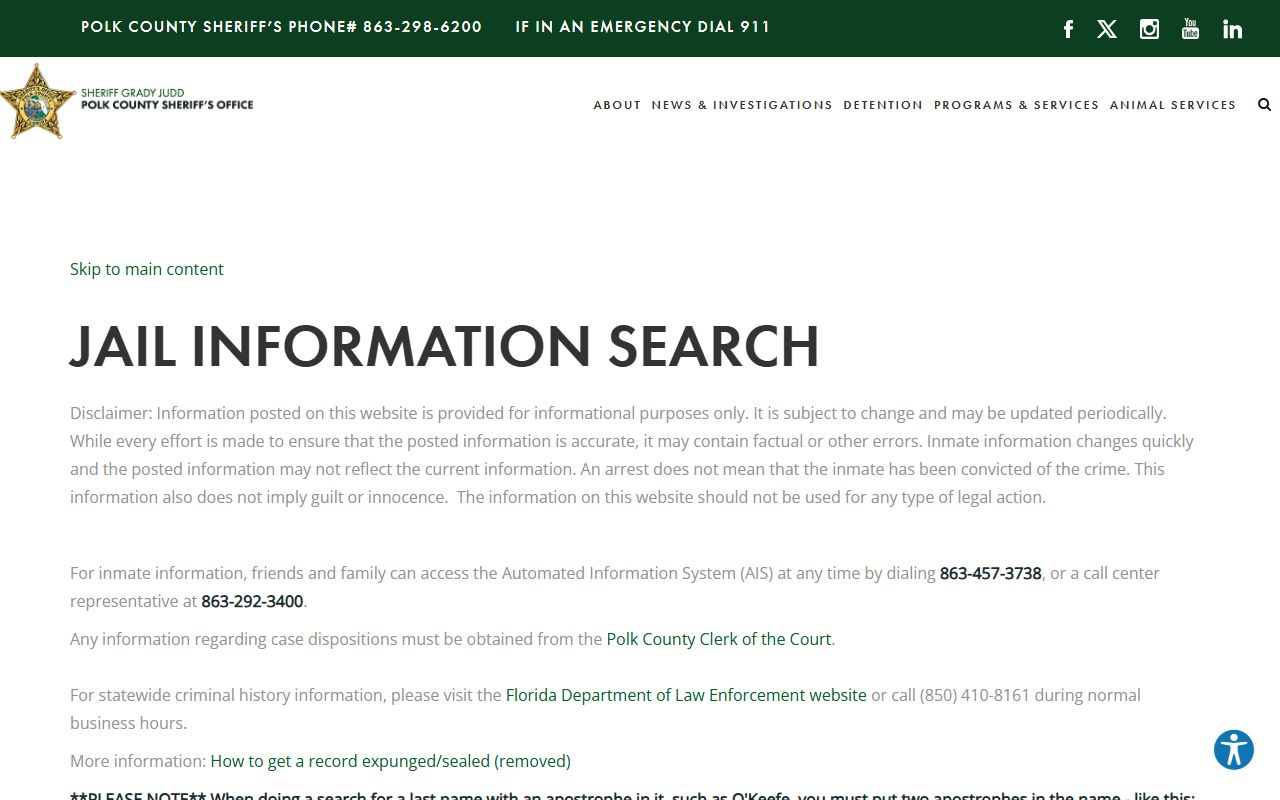
The database shows booking dates, current status, charges filed, and bond amounts. You can search by name or browse recent bookings from the past week. Most searches return results within seconds.
Visit https://www.polksheriff.org/detention/jail-inquiry to search Polk County booking records online. The database contains information on current inmates and recent releases from the county jail.
How to Search Polk County Booking Records
Several methods exist to search for booking and release records in Polk County. The online database is the fastest way to get information. Go to the sheriff's inmate search page and enter a first and last name. The system will return matches from the current jail population. You can also search by booking number if you have that information. Some people prefer to call the jail directly at (863) 298-6200 (General) / (863) 457-3738 (Jail Info). Staff can look up inmates and tell you their custody status over the phone.
The Polk County system at https://www.polksheriff.org/public-records provides the main access point for public records services. This portal serves as the central hub for booking information.
The database shows booking dates, current status, charges filed, and bond amounts. You can search by name or browse recent bookings from the past week. Most searches return results within seconds.
You can also visit the jail in person to request records. The Polk County Sheriff's Office (PCSO) is located at 1891 Jim Keene Blvd, Winter Haven, FL 33880. Bring a valid ID with you. Jail staff can print booking records, release paperwork, and other custody documents. There may be a small copy fee for printed records. Phone the main number first to check current hours and confirm what you need before you drive to the facility.
Some booking records contain more detail than others. Felony charges typically have more information than misdemeanor bookings. The level of detail also depends on how long someone has been in custody and whether court proceedings have started. For older records or archived bookings, you may need to submit a formal public records request to the sheriff's office.
Additional resources include https://www.polkclerkfl.gov/ which provides more information about Polk County jail operations and inmate services. This can help you understand how the booking process works and what information gets recorded.
Public Records Access in Polk County
Florida's Public Records Law covers all booking and release records in Polk County. Chapter 119 of the Florida Statutes says that government records are open to any person who wants to inspect them. This includes jail records, arrest reports, and booking data. The only exceptions are records that involve active criminal investigations or information protected by other laws. Once someone gets booked and charged, that information becomes public.
Polk County Sheriff's Office (PCSO) must provide access to these records under state law. You don't need to explain why you want the records. You don't need to be a Florida resident. Anyone can request booking records from Polk County. The agency can charge copy fees if you want printed documents, but viewing records online or in person is free. Most counties charge about 15 cents per page for copies.
State law requires agencies to respond to public records requests promptly. Polk County tries to fulfill simple requests within a few business days. Complex requests that need staff to search through old files or redact confidential information can take longer. The agency must give you a timeline and cost estimate for large requests before they start the work. You can then decide if you want to pay for those records or narrow your request to reduce the cost.
Court records related to Polk County arrests are maintained separately by the Clerk of Court. Visit https://www.polkclerkfl.gov/ to access case filings, court dockets, and judgments. These records show what happened in court after the initial booking.
Additional Polk County Resources
Besides the jail inmate search, Polk County offers other tools to help you find information about arrests and bookings. The Clerk of Court keeps all criminal case files once charges get filed. You can search court records by name or case number to see what happened after the arrest. Court records include charging documents, plea agreements, sentencing orders, and probation terms. These records help you understand the full picture beyond just the booking data.
The Florida Department of Corrections runs a separate database for state prison inmates. If someone was sentenced to more than one year, they go to state prison instead of county jail. Search the FDC Offender Database to find people who are no longer in Polk County custody but are serving time in Florida prisons. That database includes everyone in state custody, parolees, and people on community supervision.
- https://www.polksheriff.org/ - Official Website
These links provide access to official Polk County systems and related state databases. Each serves a different purpose in the public records ecosystem.
Legal aid organizations in Florida can help if you need records for a court case or legal matter. They can explain how to get certified copies of booking records, how to challenge incorrect information, or how to seal or expunge old arrest records. The Florida Department of Law Enforcement also maintains a statewide criminal history database. That system compiles arrest and conviction data from all 67 counties. You can request a Florida criminal history check through FDLE if you need a comprehensive record that goes beyond just Polk County.
Remember that booking records show arrests, not convictions. An arrest does not mean someone was found guilty. Many arrests don't lead to charges. Some cases get dismissed. Others result in acquittal at trial. Always check court records to see the final outcome of a case before drawing conclusions from booking data alone. The Polk County jail roster only shows who is currently in custody or who was recently booked. It does not tell the whole story of what happened in court.
For questions about Polk County booking records, contact Polk County Sheriff's Office (PCSO) during regular business hours. Staff can help you navigate the search system, explain what information is available, and direct you to the right department for your specific needs.